


How to Fix Car Infotainment System GPS Not Working – No Location, Calibration, Antenna Update
If your car’s navigation suddenly shows “No Location,” freezes on the map, or sends you in the wrong direction, you are not alone. Drivers across Mississauga face this issue daily, especially in newer vehicles equipped with advanced infotainment and ADAS technology. A non-working GPS is not just frustrating—it can affect driver safety, ADAS features, and resale value.
In this detailed guide, we’ll explain why your car infotainment system GPS stops working, how calibration and antenna updates fix the issue, and when you should seek professional help. This blog is written in simple, human-friendly language, while still covering every technical detail that matters.
Why Is My Car Infotainment GPS Not Working?
A GPS issue can appear suddenly or gradually. Some drivers notice the system failing after a battery change, windshield replacement, collision repair, or software update. Others experience it randomly.
Common GPS-related problems include:
- Navigation stuck on one location
- “Searching for GPS signal” message
- Incorrect directions or delayed location updates
- GPS works sometimes, then stops
- Apple CarPlay or Android Auto map mismatch
Your infotainment GPS relies on three main components:
- Software & calibration
- GPS antenna and signal reception
- Vehicle sensors integrated with ADAS
If even one of these fails, navigation accuracy drops significantly.
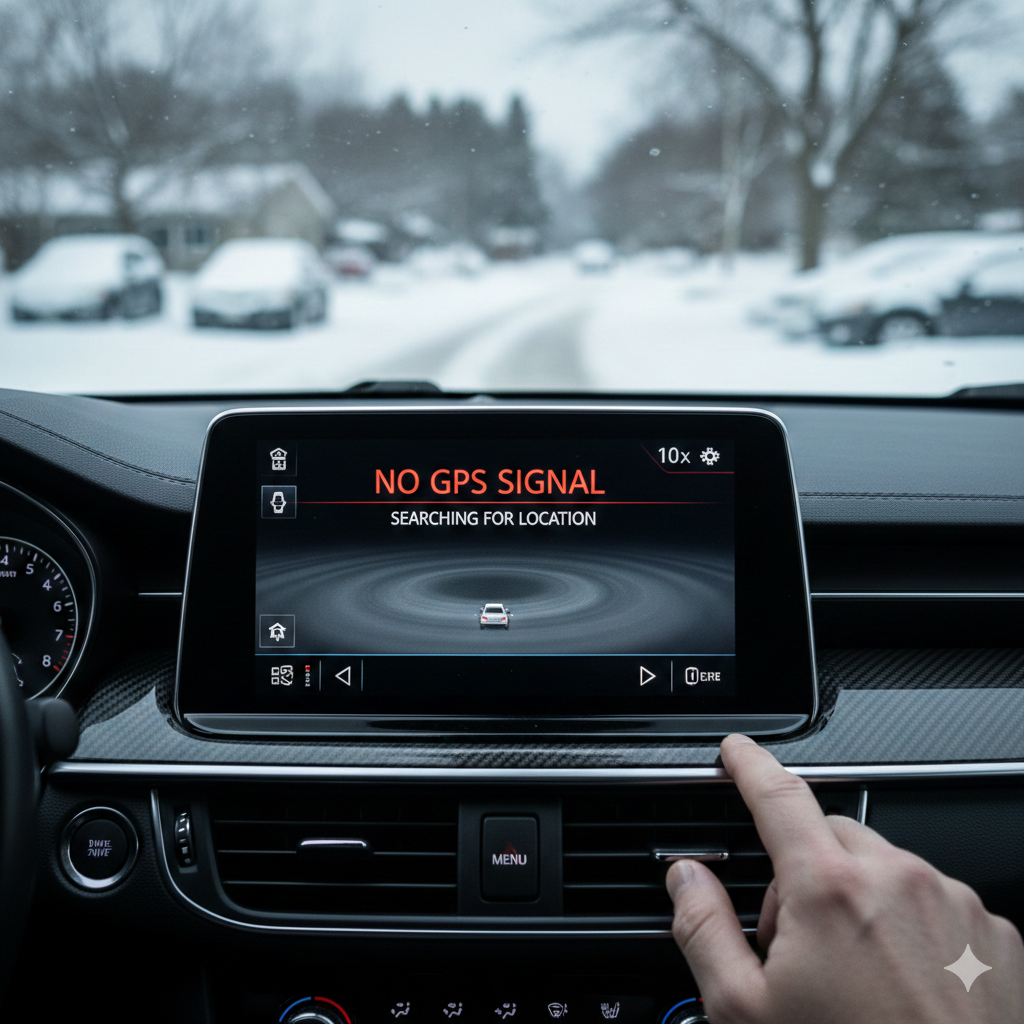
Signs Your GPS Needs Immediate Attention
Ignoring a faulty GPS can create long-term problems. Watch for these warning signs:
- The map arrow spins or points in the wrong direction
- Location updates lag by several minutes
- Navigation fails after windshield or camera replacement
- Lane guidance and driver assistance alerts malfunction
- GPS fails after collision repair or suspension alignment
If your car shows these symptoms, calibration or antenna inspection is usually required.
How GPS Works Inside Modern Car Infotainment Systems
Modern infotainment systems do much more than show maps. They integrate data from:
- GPS satellites
- Wheel speed sensors
- Steering angle sensors
- Cameras and radar (ADAS)
This is why GPS accuracy depends heavily on vehicle calibration. Even a minor misalignment can confuse the system.
When calibration is off, the system may think:
- Your car is facing a different direction
- You are on a nearby road instead of the correct one
- You are stationary when moving
This often leads to the exact issue drivers search for: How to Fix Car Infotainment System GPS Not Working – No Location, Calibration, Antenna Update.
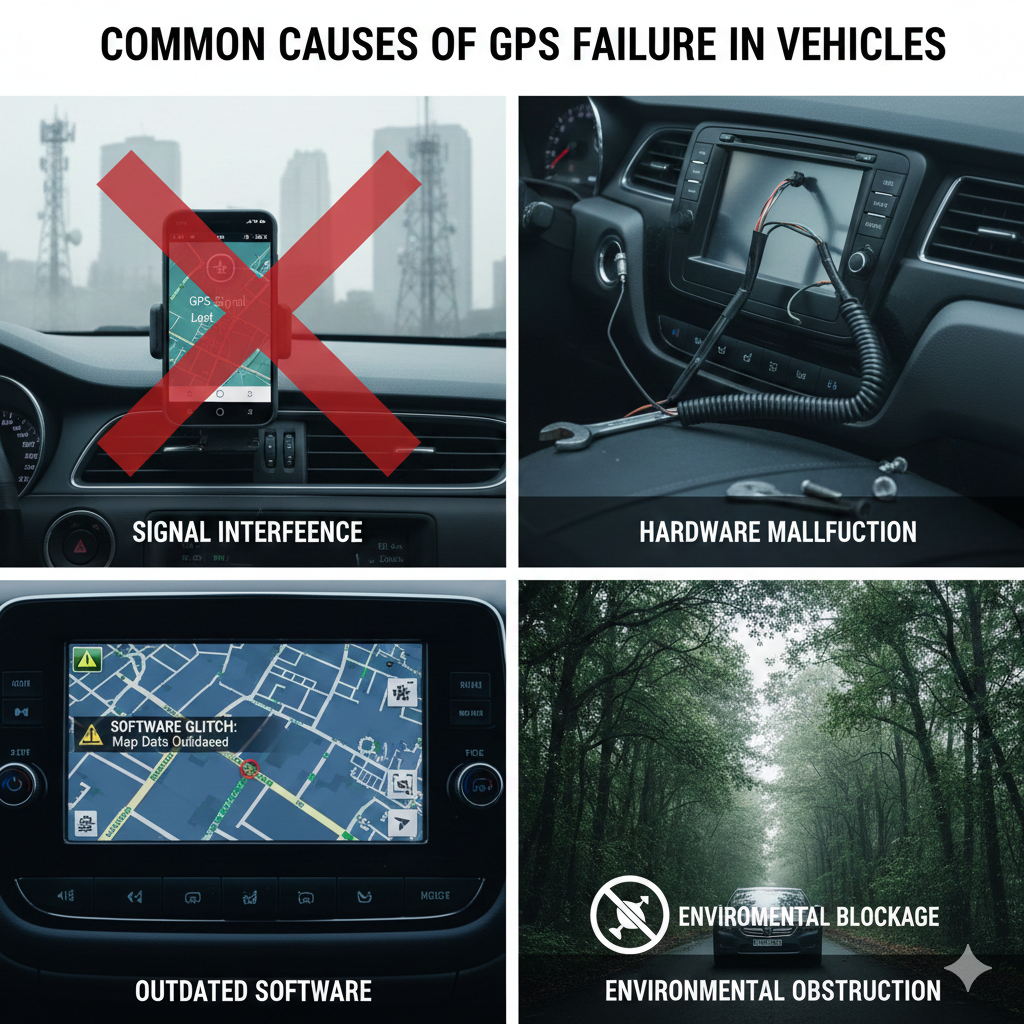
Common Causes of GPS Failure in Vehicles
1. GPS Calibration Issues
Calibration errors are the number one reason for incorrect navigation. They usually happen after:
- Windshield replacement
- ADAS camera realignment
- Suspension or wheel alignment
- Collision repair
Without recalibration, the GPS loses orientation and distance accuracy.
2. Damaged or Weak GPS Antenna
The GPS antenna receives satellite signals. If it’s damaged, loose, or blocked, the system cannot determine your location.
Antenna problems often occur due to:
- Roof damage
- Water intrusion
- Aftermarket accessories
- Poor-quality windshield tint
3. Outdated Infotainment Software
Manufacturers regularly release updates to improve map accuracy and signal stability. If your system runs outdated software, GPS errors are common.
4. Battery or Electrical Reset Issues
Disconnecting or replacing the battery can reset system memory. Without recalibration, GPS may stop functioning correctly.
5. ADAS Sensor Misalignment
Your GPS works alongside ADAS systems like lane assist and collision warning. If sensors are misaligned, navigation accuracy suffers.
How GPS Calibration Fixes Navigation Errors
GPS calibration realigns your vehicle’s internal sensors with real-world positioning. This ensures:
- Accurate direction tracking
- Proper distance measurement
- Reliable turn-by-turn navigation
Professional calibration involves:
- Static calibration using targets and diagnostic tools
- Dynamic calibration with controlled driving
- Manufacturer-specific software adjustments
This process restores factory-level accuracy.
When Antenna Updates or Replacement Are Needed
Calibration alone cannot fix antenna-related issues. If your GPS signal drops frequently or never locks onto satellites, antenna service is required.
A professional technician will:
- Test antenna signal strength
- Inspect wiring and connectors
- Replace damaged antenna modules if necessary
- Reprogram the infotainment system
This is a critical step when dealing with How to Fix Car Infotainment System GPS Not Working – No Location, Calibration, Antenna Update scenarios.
Software Updates: The Overlooked Fix
Many drivers underestimate the power of software updates. However, outdated firmware can cause:
- GPS freezing
- Map loading failures
- Incorrect positioning
A professional diagnostic scan ensures:
- Correct firmware version
- Compatibility with ADAS modules
- Stable GPS communication
Why Mississauga Drivers Face GPS Issues More Often
Urban environments like Mississauga present unique challenges:
- High-rise buildings blocking satellite signals
- Frequent stop-and-go traffic confusing sensors
- More windshield replacements due to road debris
- Higher use of ADAS-equipped vehicles
These factors make professional calibration even more important.
DIY Fixes vs Professional GPS Repair
DIY Steps You Can Try
- Restart the infotainment system
- Check location permissions
- Remove magnetic phone mounts near the dashboard
- Drive in an open area to regain signal
Why DIY Is Often Not Enough
DIY fixes cannot:
- Recalibrate ADAS sensors
- Repair antennas
- Update manufacturer-level software
For long-term reliability, professional service is essential.
The Role of ADAS Calibration in GPS Accuracy
Advanced Driver Assistance Systems rely on GPS for:
- Lane positioning
- Speed adaptation
- Navigation-linked safety alerts
If ADAS calibration is off, GPS accuracy drops drastically. That’s why calibration services like those offered at
https://launchautoservice.ca/adas-advanced-driver-assistance-systems-calibration-alignment/
are critical after repairs or replacements.
What Happens If You Ignore GPS Calibration?
Ignoring GPS problems can lead to:
- Incorrect navigation routes
- Increased accident risk
- Malfunctioning safety features
- Failed vehicle inspections
- Reduced vehicle resale value
These risks grow over time.
How Professionals Diagnose GPS Issues
A proper diagnostic process includes:
- Full system scan
- GPS signal strength testing
- Sensor alignment checks
- Antenna inspection
- Road test validation
This ensures the issue is fixed once and correctly.
Cost of Fixing Infotainment GPS in Mississauga
Costs depend on the root cause:
- Calibration: Moderate
- Antenna replacement: Varies by vehicle
- Software update: Often minimal
Fixing the issue early is always more affordable.
Trending FAQs About Car GPS Problems
Why does my car GPS say “No Location”?
This usually indicates calibration errors, antenna signal loss, or outdated software.
Can a windshield replacement affect GPS?
Yes. Windshields house cameras and sensors that directly impact GPS accuracy.
Does GPS need recalibration after battery replacement?
In many modern vehicles, yes—especially those with ADAS systems.
How long does GPS calibration take?
Typically between 1–2 hours, depending on the vehicle.
Is GPS calibration necessary after wheel alignment?
Yes. Steering angle sensors affect navigation direction.
Can poor GPS affect lane assist?
Absolutely. GPS works alongside ADAS features.
How often should GPS be recalibrated?
Anytime major repairs, replacements, or collisions occur.
Final Thoughts
A faulty infotainment GPS is more than an inconvenience—it’s a system-wide issue affecting navigation, safety, and driving confidence. Understanding How to Fix Car Infotainment System GPS Not Working – No Location, Calibration, Antenna Update helps you make informed decisions and avoid unnecessary frustration.
For drivers in Mississauga, professional diagnostics, calibration, and antenna updates ensure your vehicle performs exactly as designed. Address the issue early, and your navigation system will guide you smoothly—every time.